01From an image
One image. Many bricks.
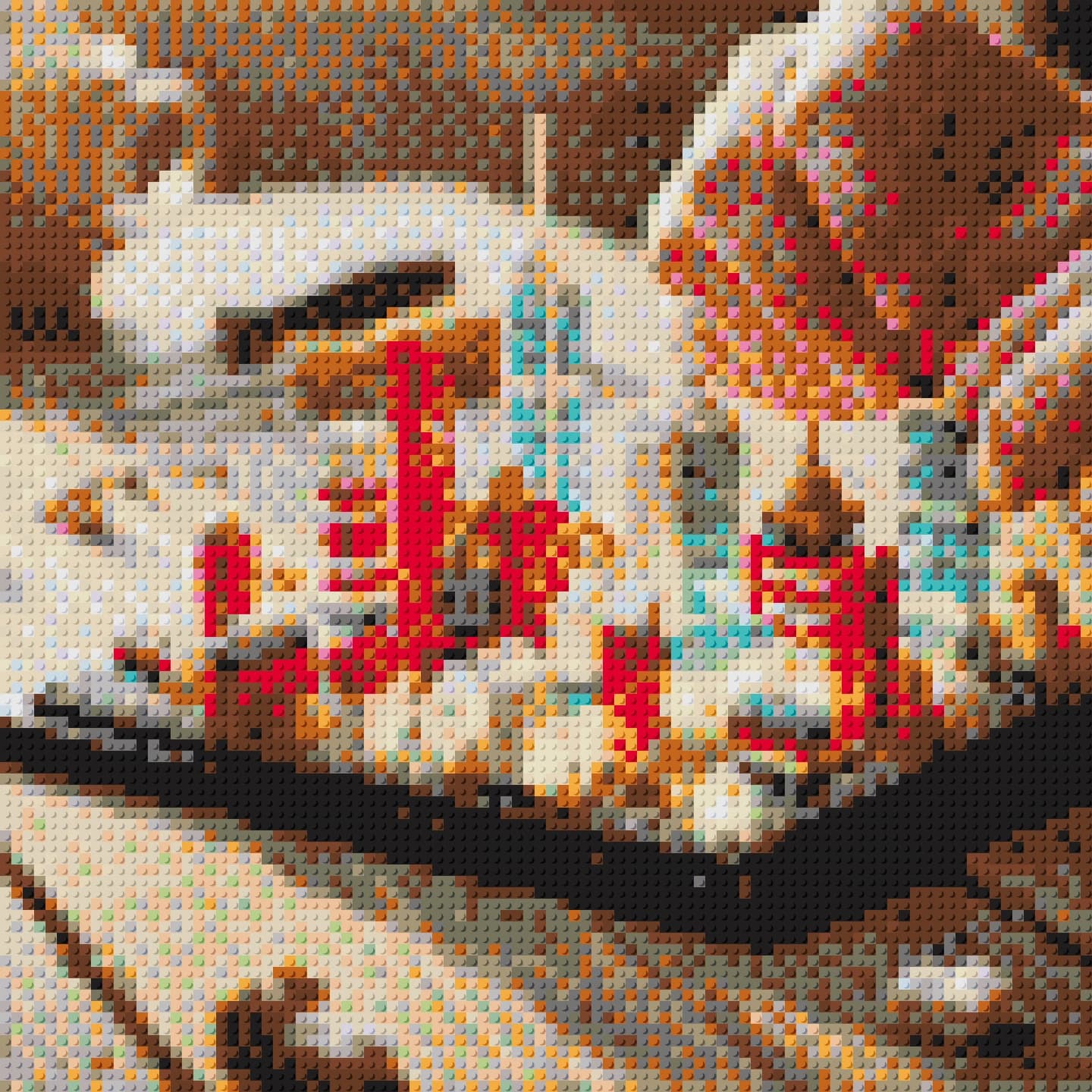
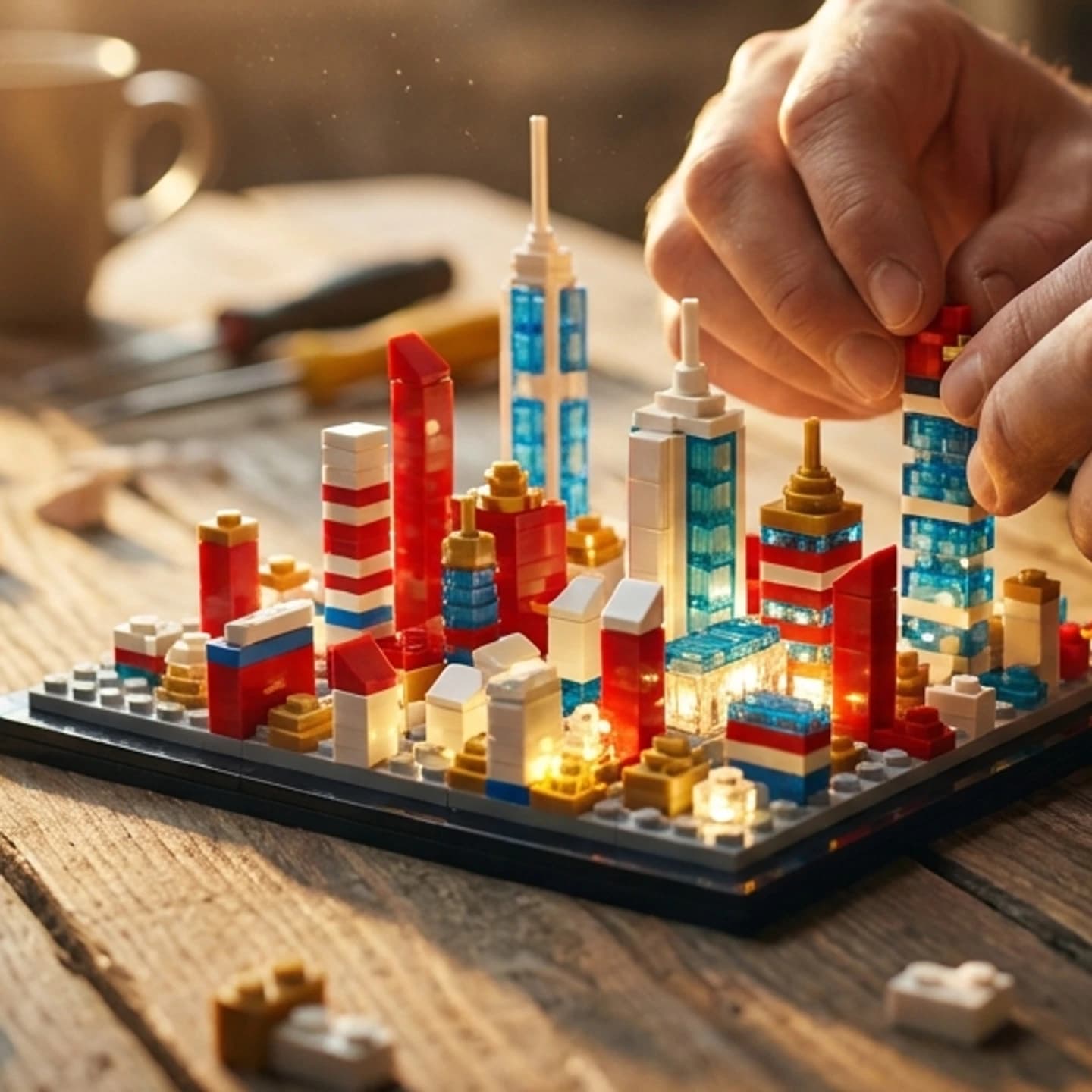
Image → Mosaic
Create from an imageYOSHINANIBrick
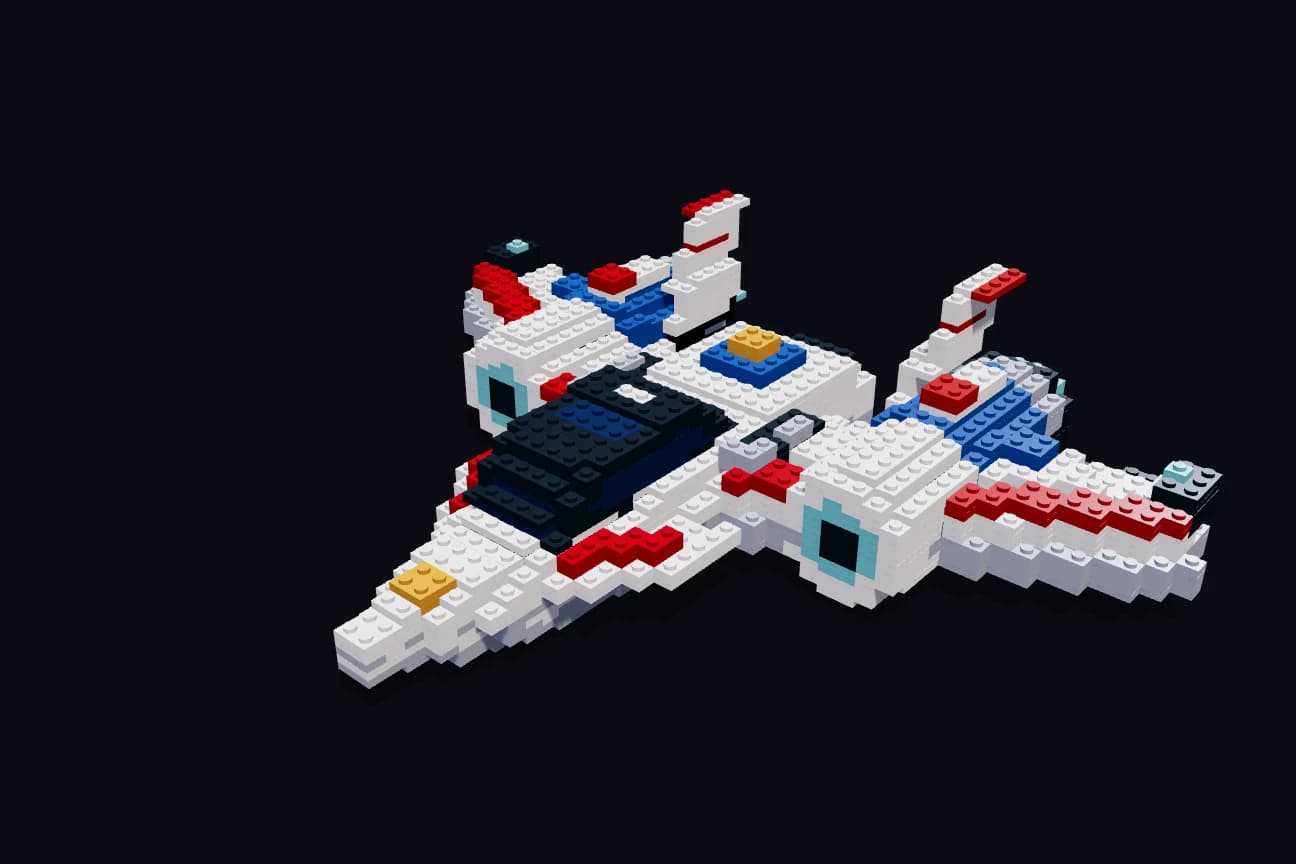
GLB · No sign-up
Choose your photo on the next screen. AI creation needs an account and credits or an eligible welcome ticket.
Your idea stays with you after sign-up. We show the required credits before generation starts.
Create with credits or an eligible welcome ticket · Next, create your free account
01From an image
02From a chat
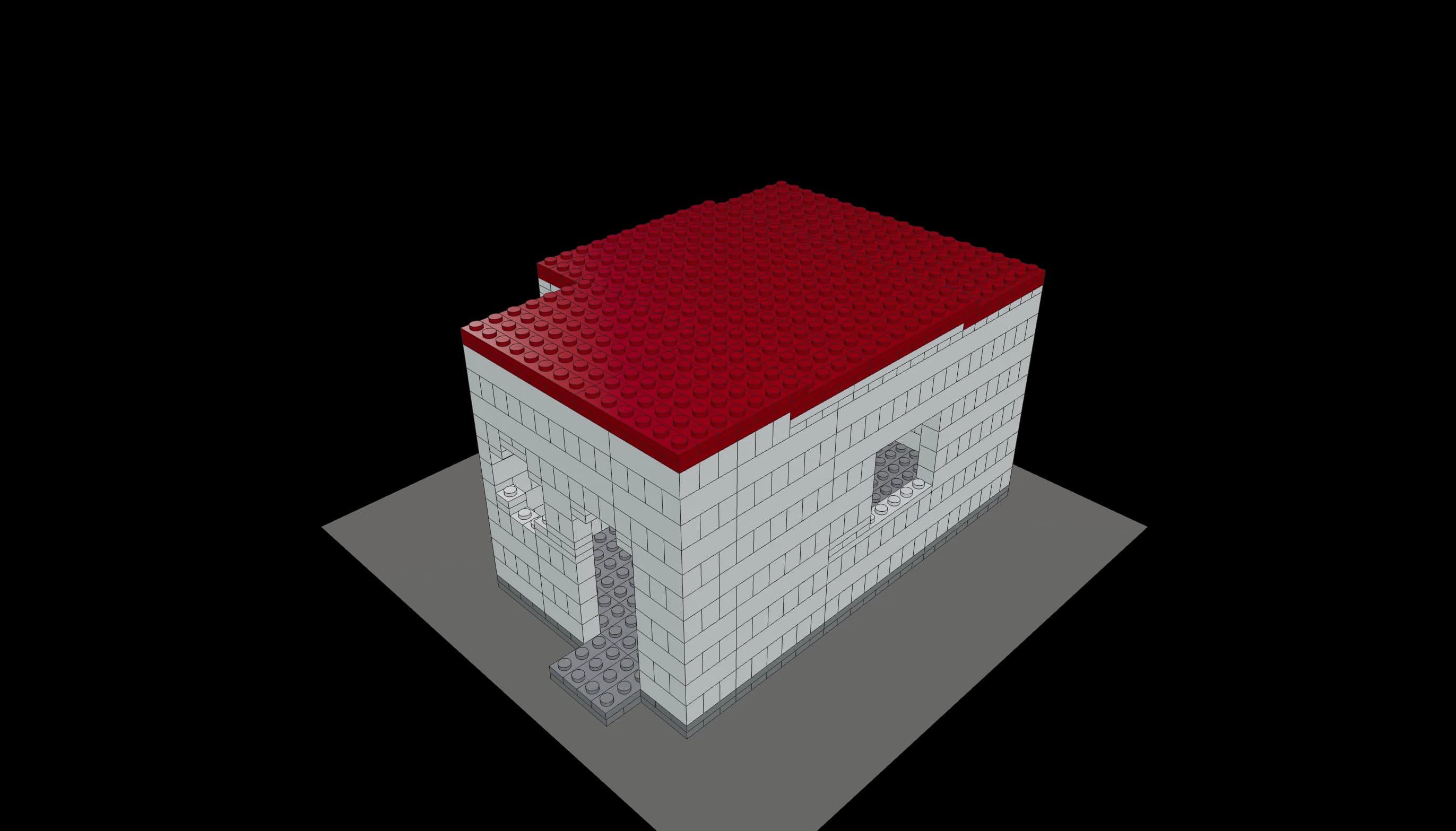
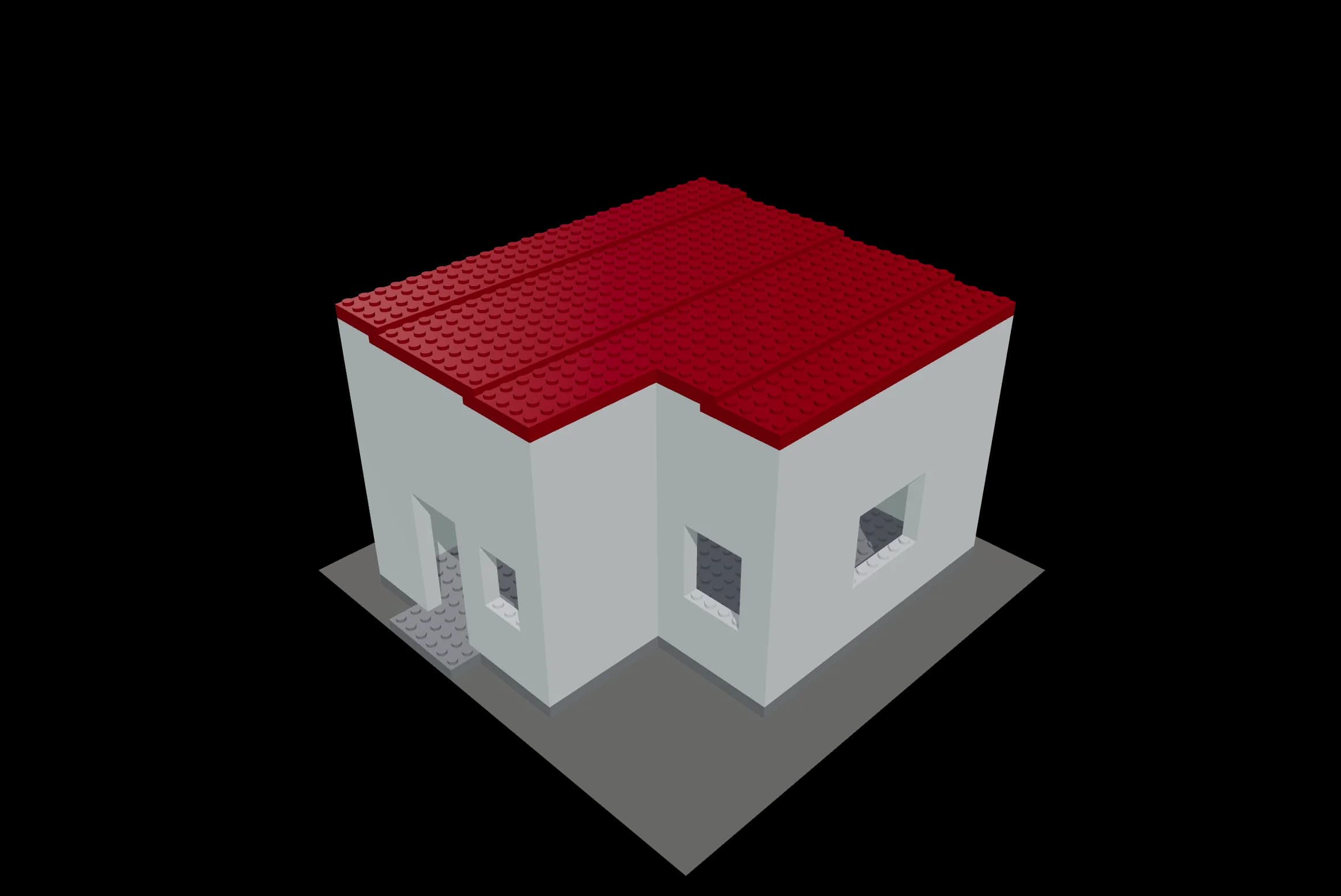
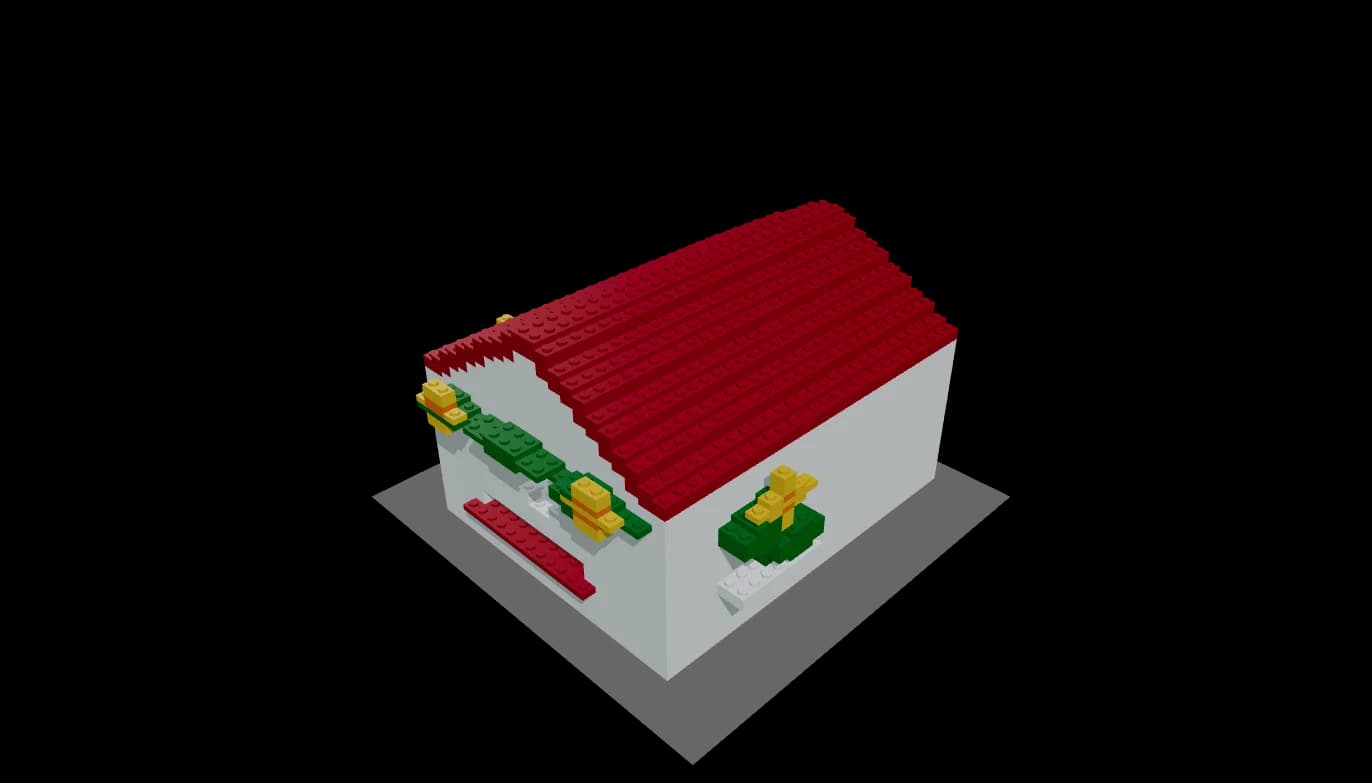
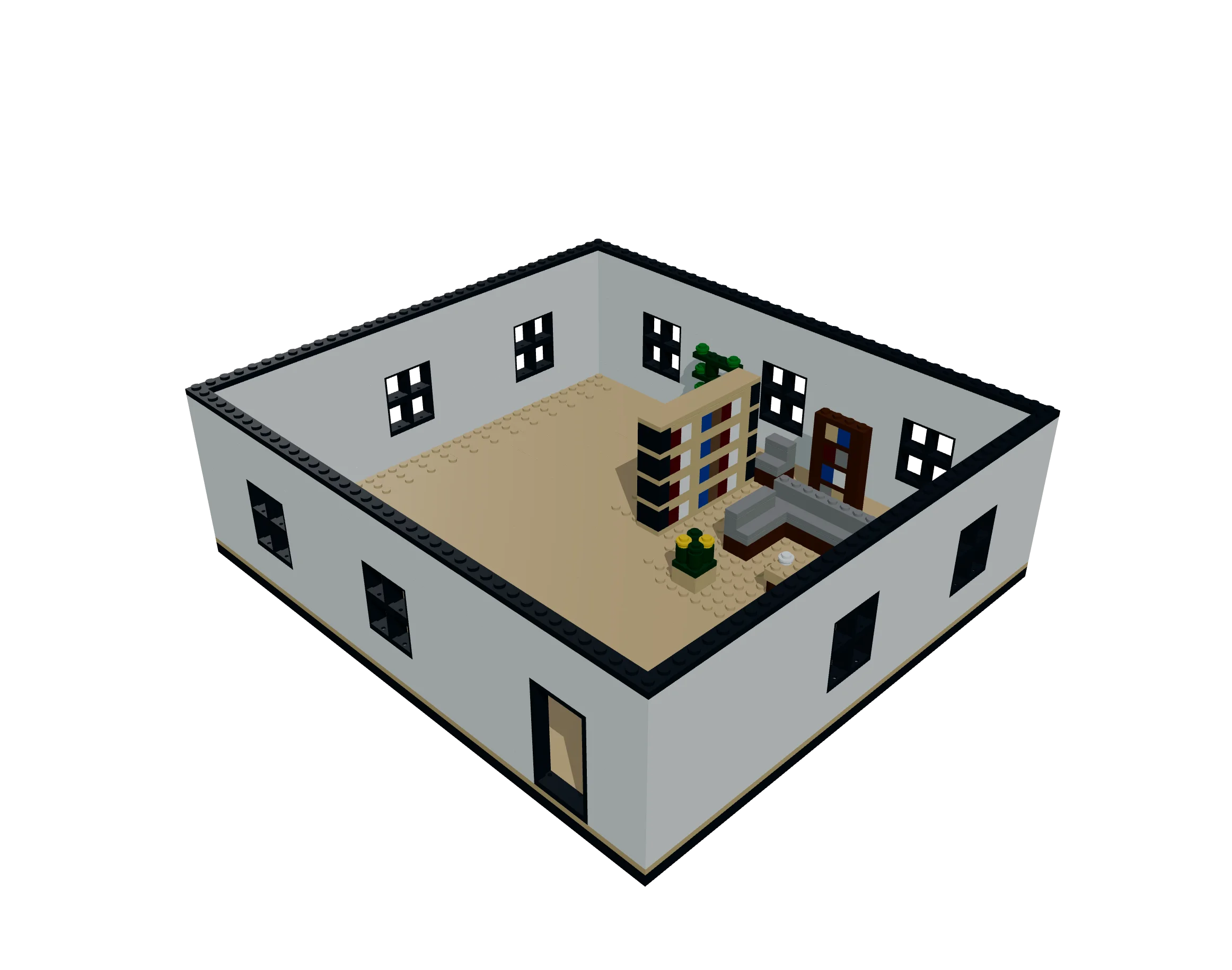
A forest atelier with generous windows.
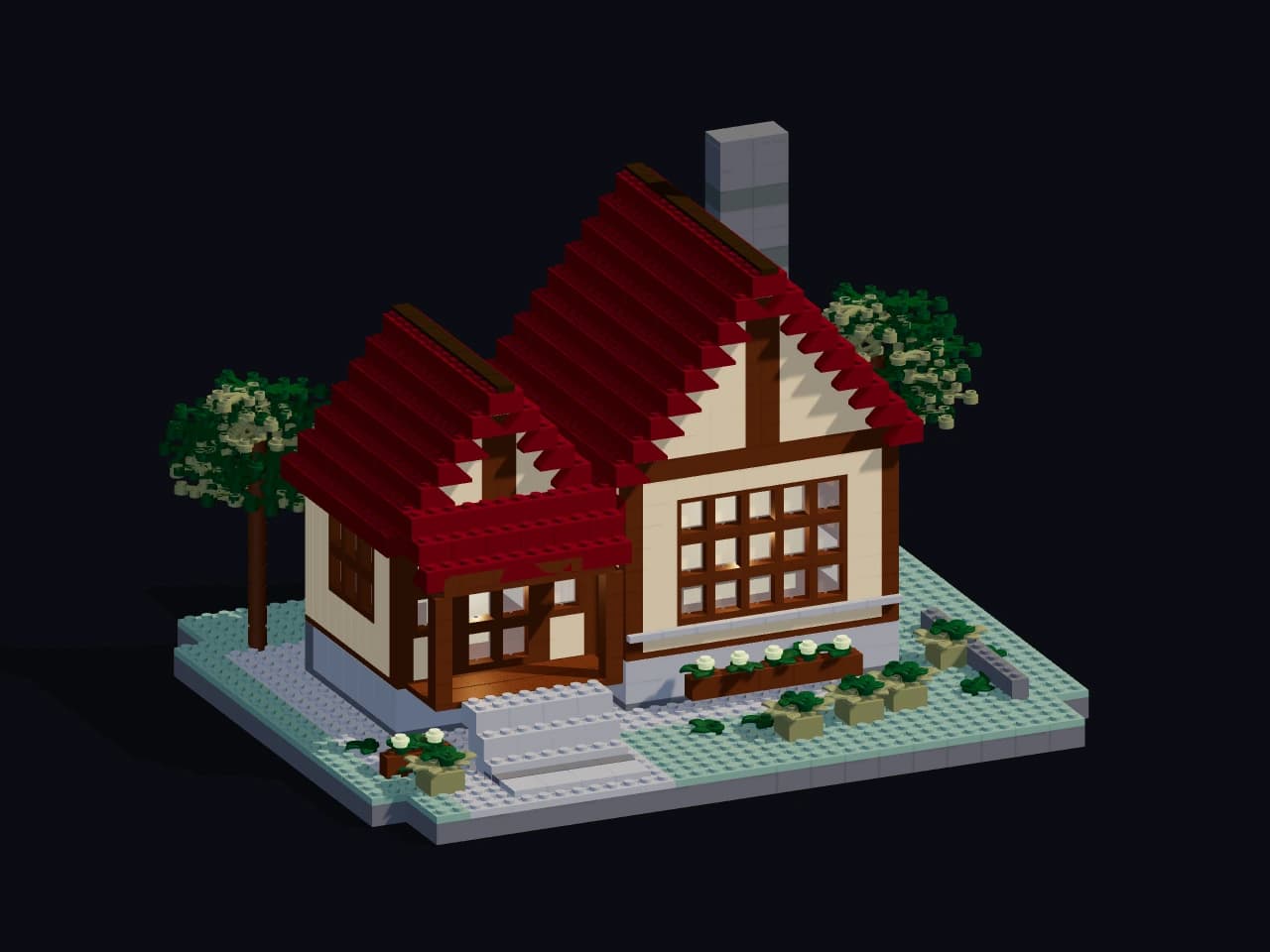
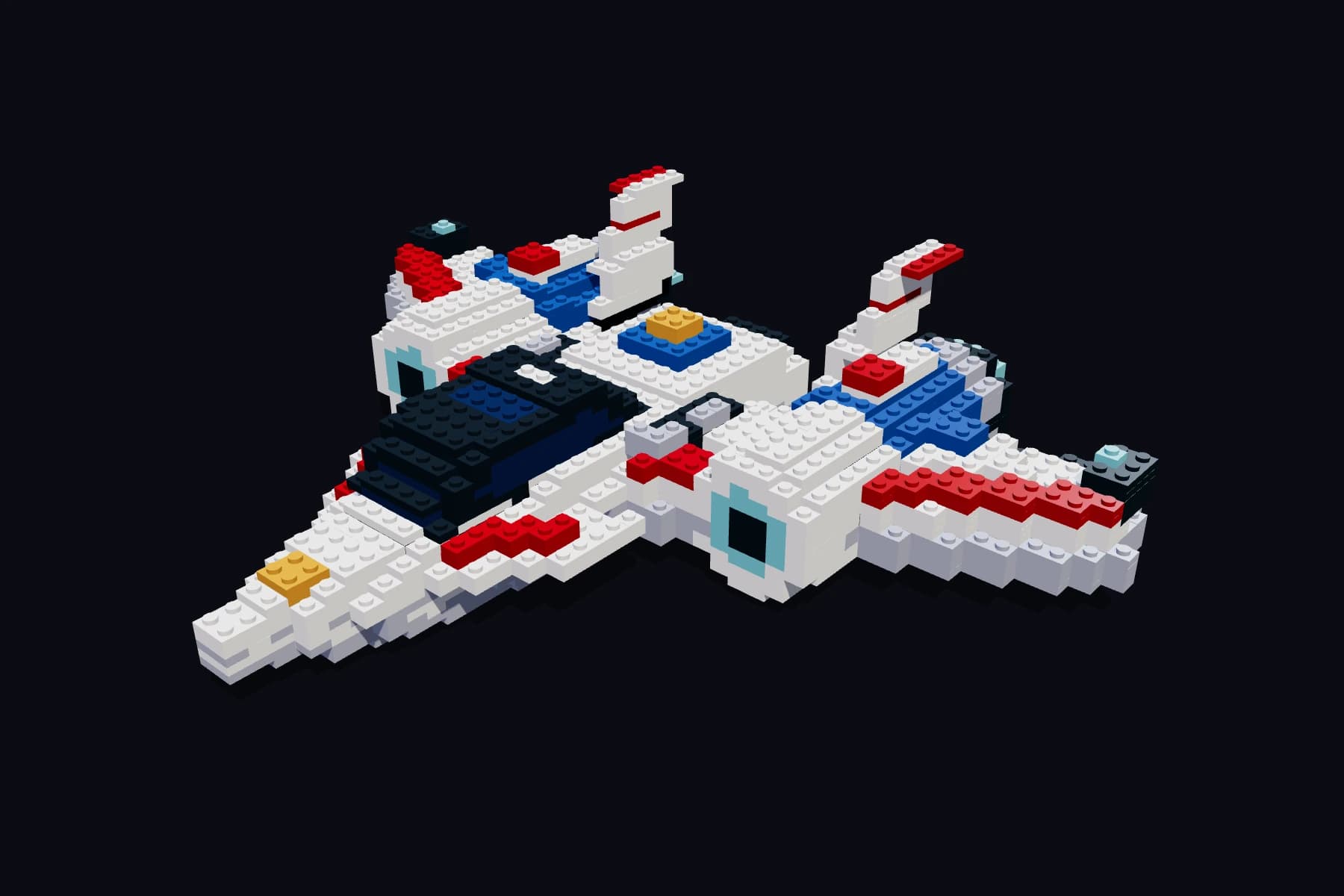
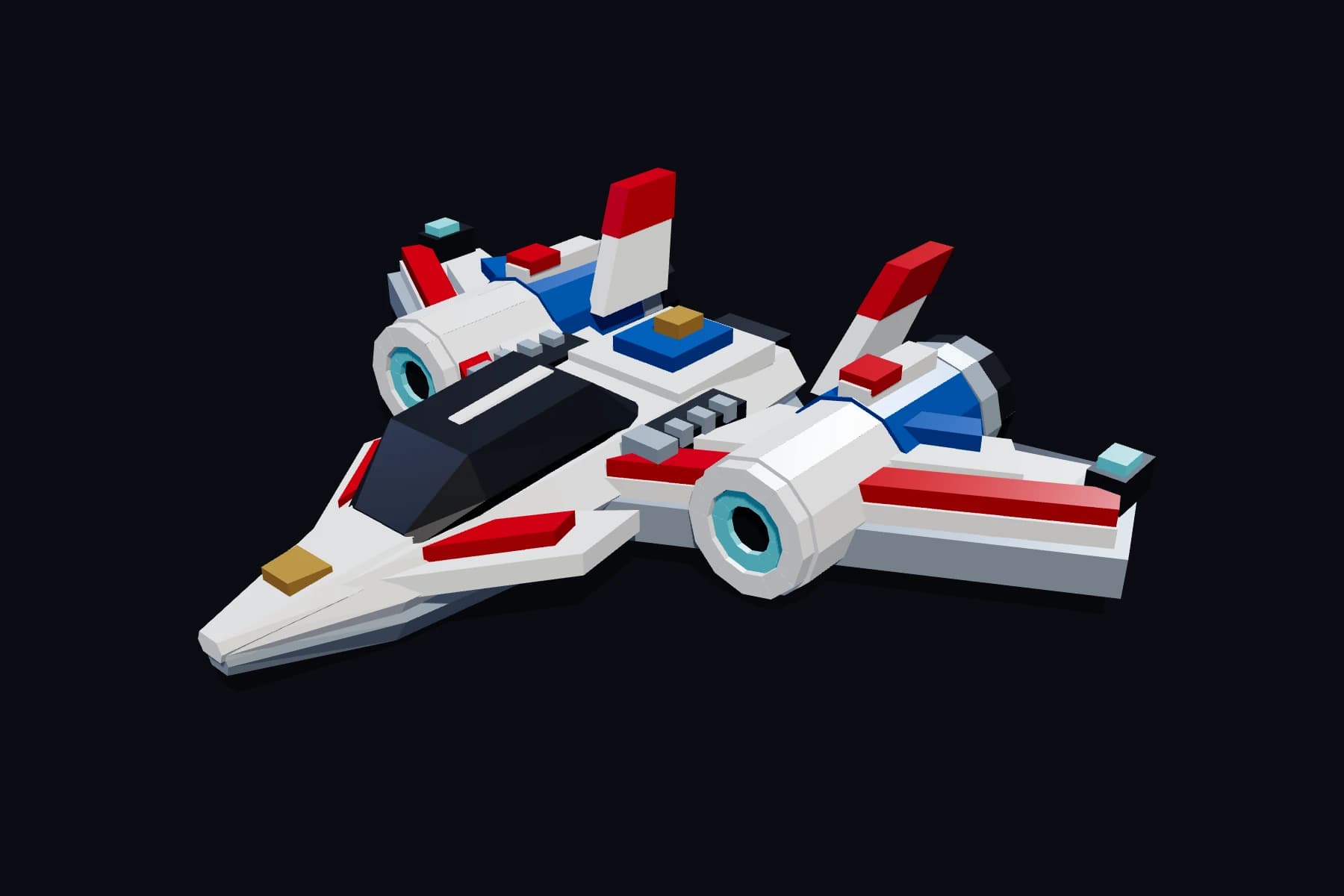
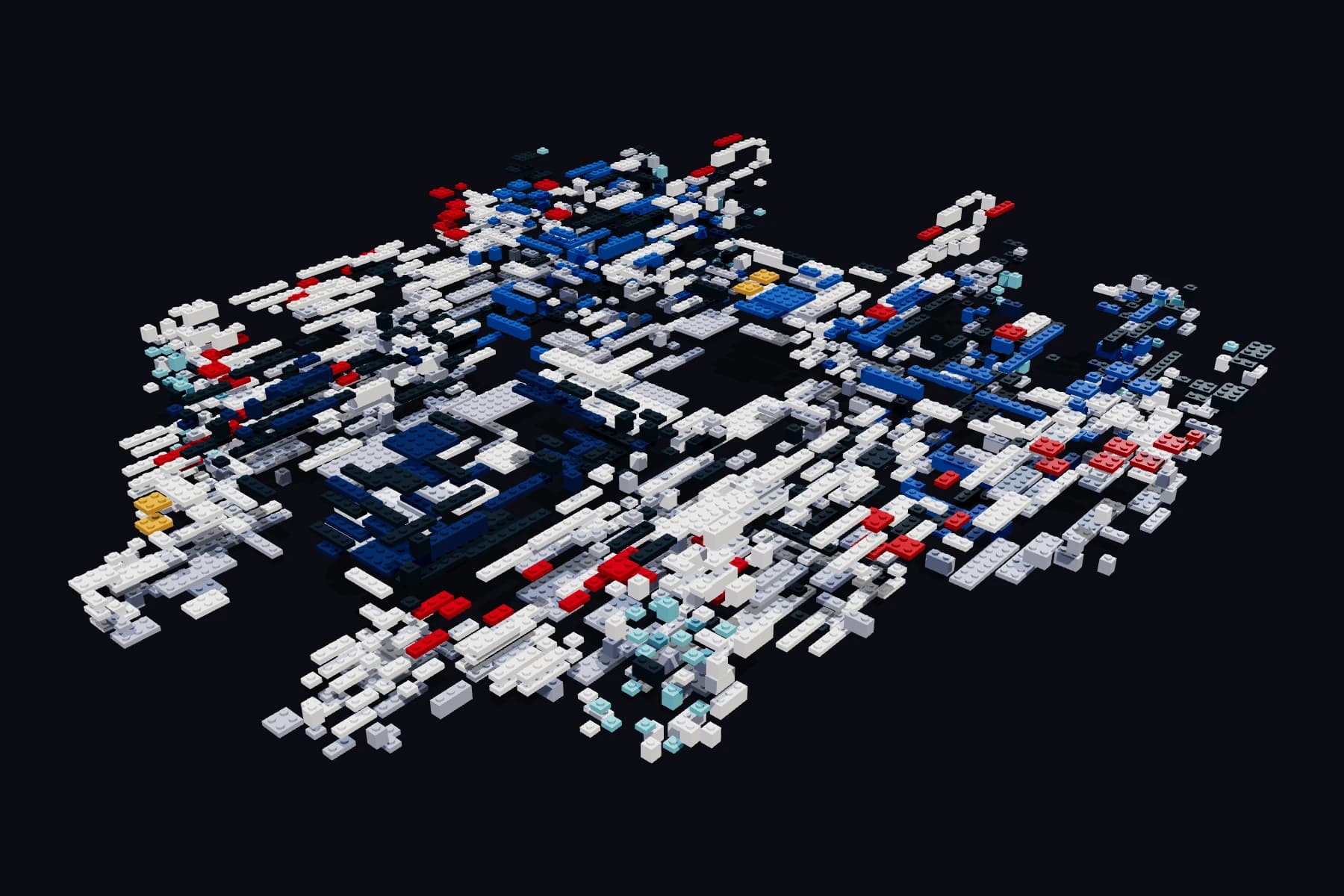
Actual sample views. The assembly animation is not a building guide.
FAQ
A creative platform for making brick creations from 3D models, photos or words. The GLB workflow lets you adjust parts in 3D, save in your browser, and export a CSV parts list and LDraw data. It is operated by YOSHINANI Inc. and is an independent service not affiliated with the LEGO Group.
Import a 3D model (GLB), create from words or a photo, make flat photo art or a picture that changes by angle, or start from a 3D scan. Local GLB creation can start without an account. Flat photo art and angle-changing pictures are available on every plan, while creating from a 3D scan requires Pro.
Physical buildability is not guaranteed. The GLB workflow provides colors, part numbers and quantities, but does not include physical assembly validation or building instructions. AI creation guides are reference steps, and strength and ease of assembly still need checking and adjustment for each design.
Free does not include monthly AI credits or a free first creation. Buy a one-time credit pack or switch to Creator or Pro to use AI. Browsing and publishing creations remain free.
YOSHINANI Brick does not sell physical parts. Each project can show the color, part number and required quantity, which you can use to check your collection or search external stores.
Account registration and paid features are intended for people aged 18 or over. When creating with a child, a parent or guardian should register, manage the account, and use the service together with them.
Private photos and creation data are never published automatically on creation pages. Source photos for flat photo art and angle-changing pictures are not stored. Please see the Privacy Policy for features such as photo-to-3D that require external processing.
Creator and Pro include watermark-free output and commercial use. Free includes browsing and publishing, LDraw export, reference steps for AI creations, parts lists, and local photo-conversion previews. AI creation and saving photo-based Projects require purchased credits.
Yes. YOSHINANI offers custom large-scale LEGO models, 3D-printed objects, exhibitions and workshops through our corporate website.
YOSHINANI · COMMISSION WORKS
SPONSOR

YOSHINANI Brick